Our choices What it does Settings Custom work FR Open the dashboard
Image generation and editing

Make your images. Know where they run.

A tool for making and reworking visuals, on machines that run in Iceland and nowhere else. The detail of those choices sits right below, along with what they do not prove.

Iceland
the only region our machines run in
ISO 14001
the operator's certification for that site
8 steps
of computation per image, instead of 50
No figure
for carbon per image: we cannot prove one
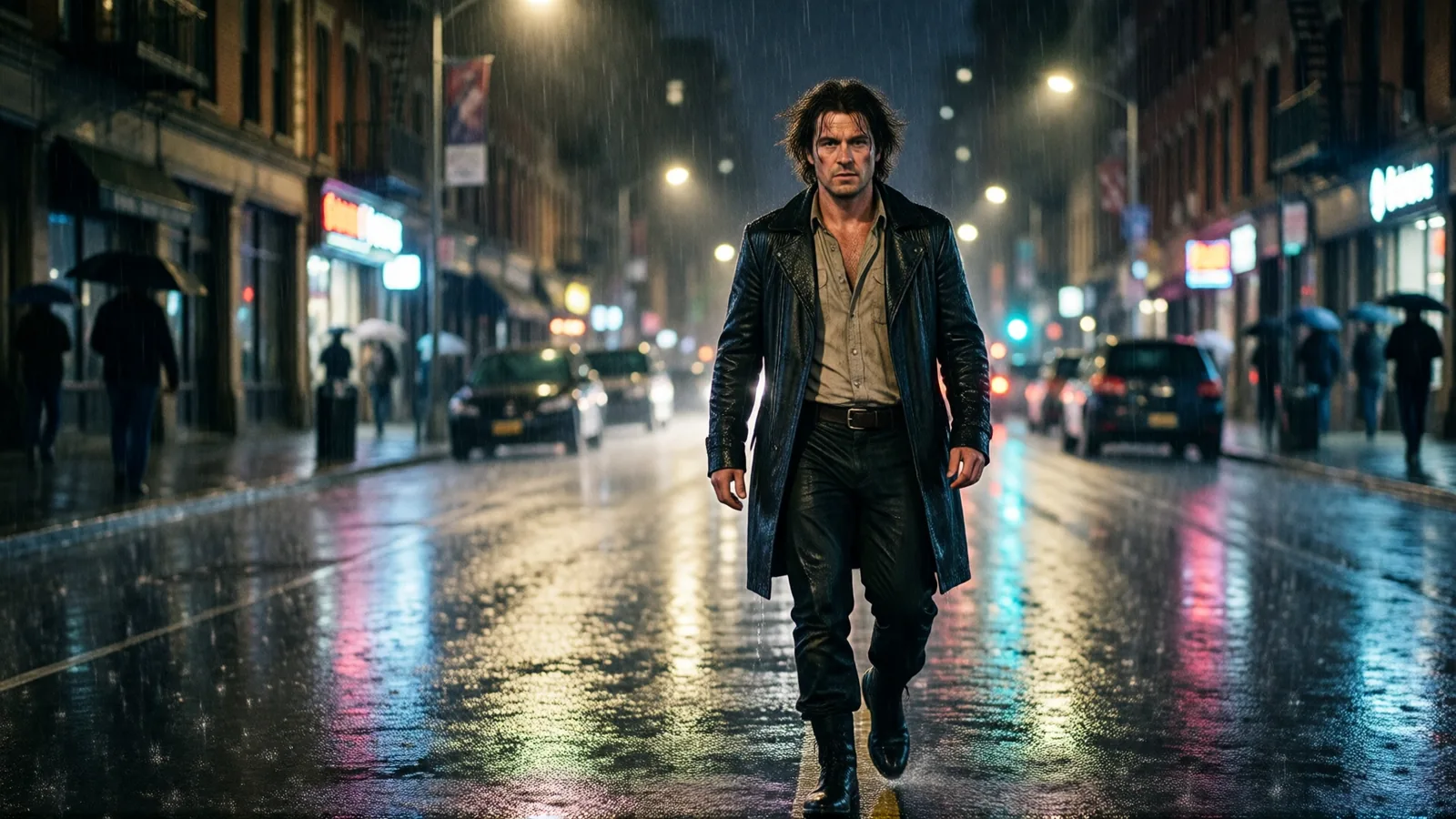
A rainy street at night, made with Smart Assets

Our infrastructure choices

What we decided, and what we cannot prove to you.

Our GPU workers are hosted in Iceland and nowhere else, with an operator holding ISO 14001 certification for that site. The endpoint is locked to that one region: if it goes down, requests wait rather than being routed to a data center we did not pick. That lock costs us availability, and we take it knowingly.

We run Qwen-Image in a distilled variant, 8 denoising steps instead of 50, quantized to fp8.

Make one, then go back into it

Every image on this page came out of the tool. Move the cursor over one, or press and hold, to open the magnifier.

01 — Your own images

Start from what you have

A product, a face, a location, a palette: hand over the visuals that should steer the render. The tool works from those instead of reinventing everything on each attempt.

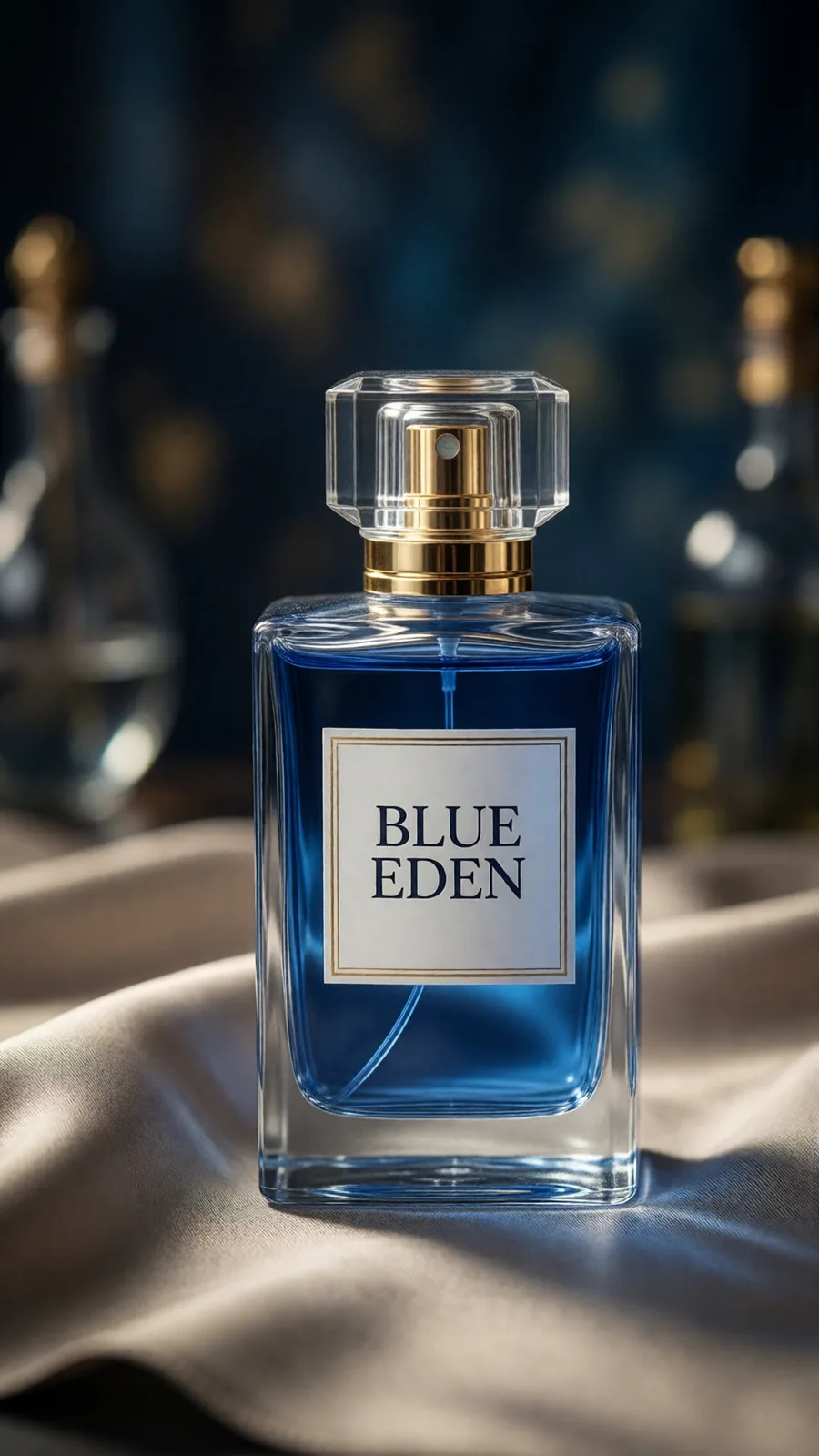
A blue perfume bottle labeled Blue Eden, resting on silk
02 — Editing

Change one area, keep the rest

Paint over what has to change: a label, a reflection, something that shouldn't be in the shot. The edit stays inside what you painted, and everything else holds.

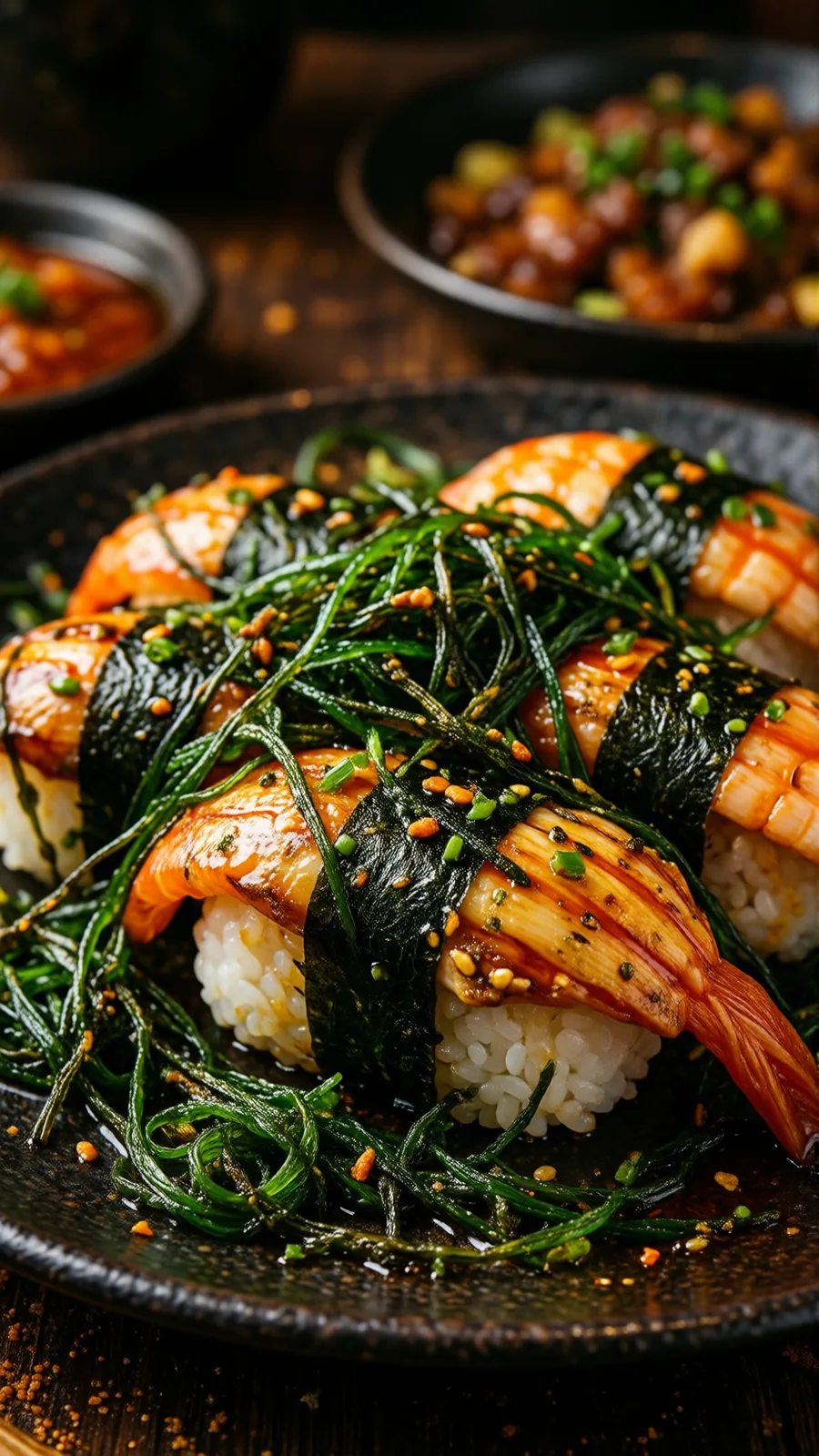
A close-up plate of sushi with seaweed and nori, on dark ceramic
03 — Framing

Make the picture bigger

A square that has to become a banner, a photo cropped too tight at the top: the image carries on past its original edges, following what is already there.

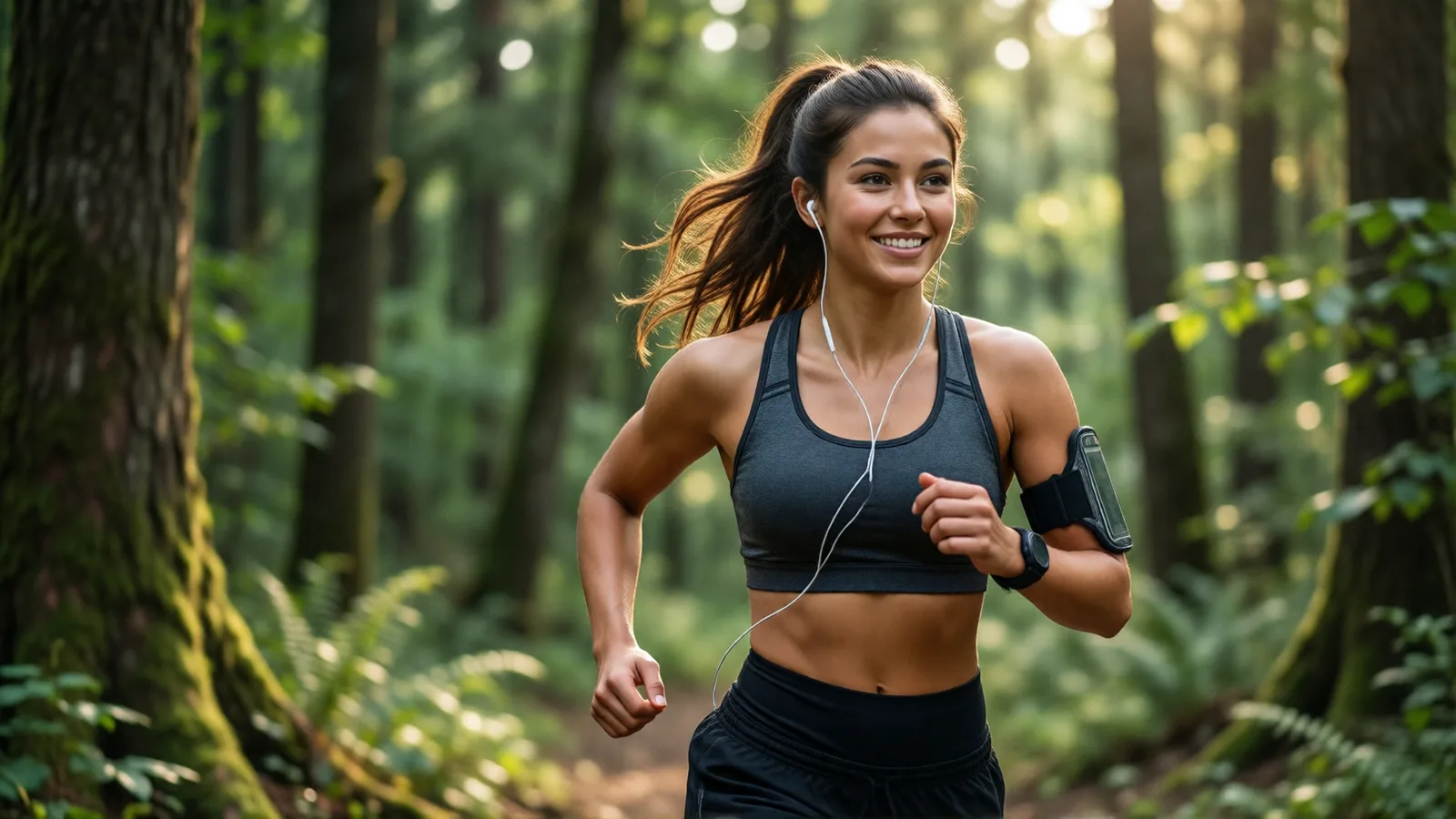
A runner on a forest trail, backlit
04 — Look

Keep the same look

Load a style on top of the model, dial it with a slider, and the same look carries from one image to the next.

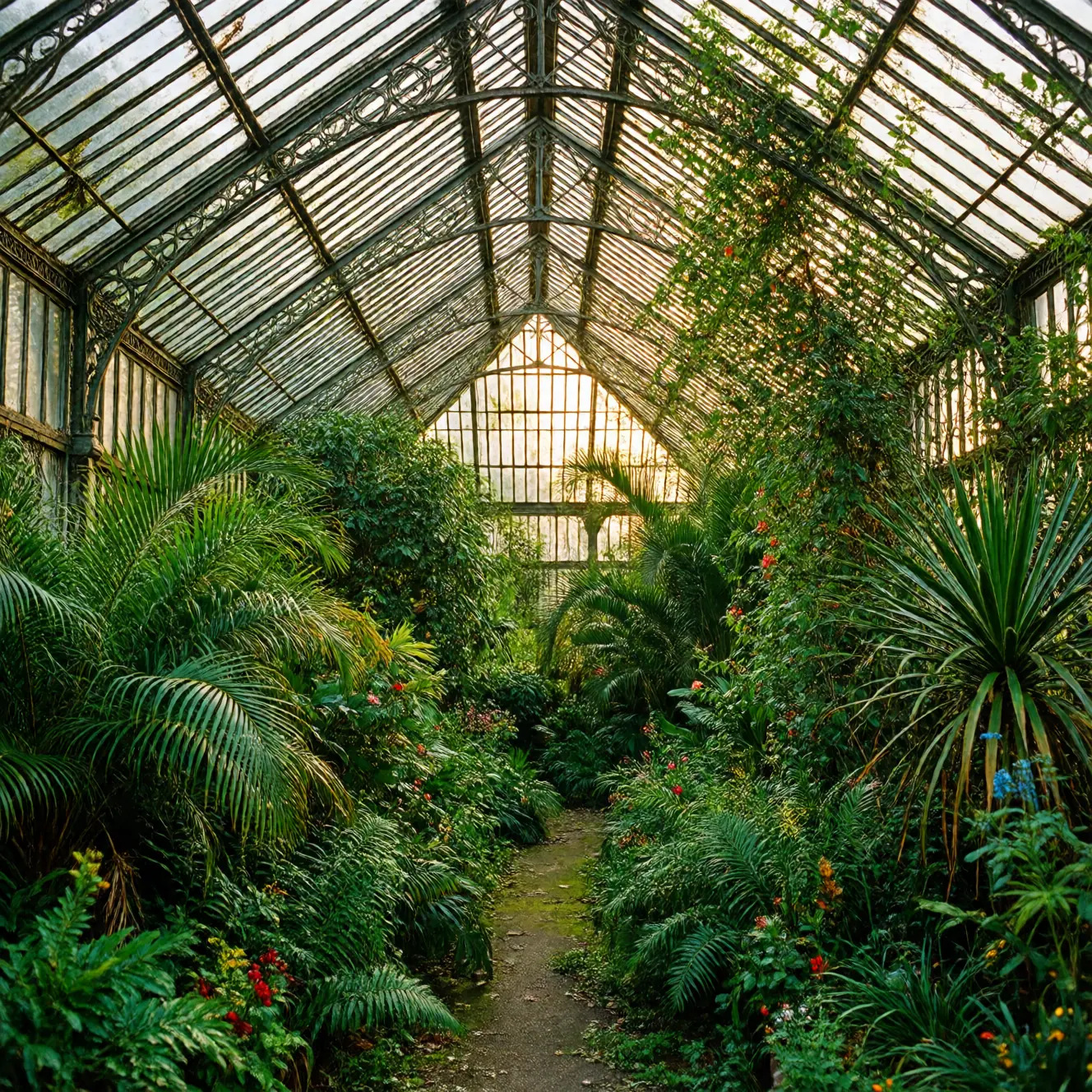
The inside of a Victorian greenhouse overgrown with plants

More knobs than a consumer generator

A prompt and two sliders is fine right up until the render comes out almost right. Here, most of the stages stay adjustable.

The model in use Your reference images The area to rework An image that sets the composition Styles and how strongly they apply The number of steps

If the words checkpoint, ControlNet, LoRA or sampler mean something to you, they are all there, under those plainer labels.

Something these settings don't cover

An unusual processing chain, a fixed output format, a batch to push through in one go: we build what it takes and wire it to your account. Describe the result you need and we'll quote it.

Ask for a quote

The dashboard is open

Create an account and run a first image.

The Blue Eden suite